Matter vs Thread: What’s the Real Difference in Your Smart Home?
If you’ve bought a smart bulb, lock, or sensor recently, you’ve probably seen two logos staring back at you from the box: Matter and Thread. They get mentioned in the same breath so often that it’s easy to assume they’re the same thing, or that you have to pick one.
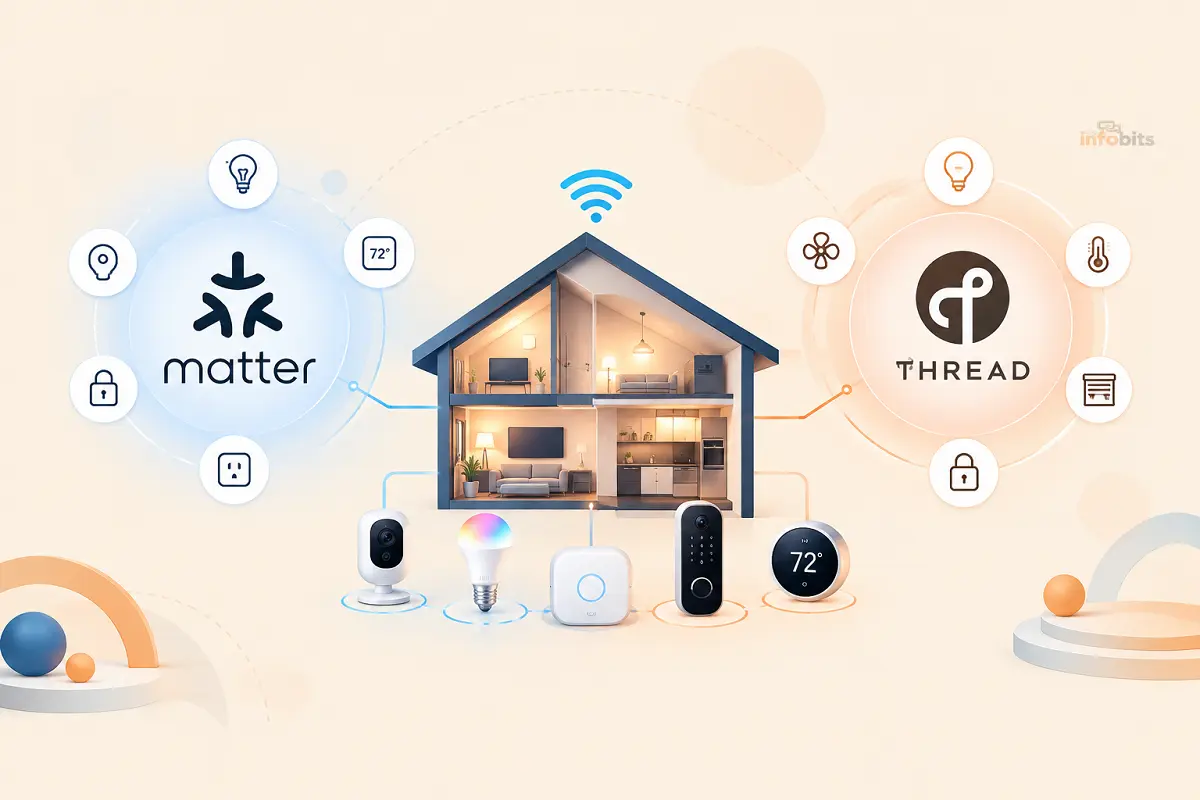
You don’t. Matter is the language your smart home devices speak. Thread is one of the networks that carries that language. They’re not rivals. They’re teammates, and understanding how they split the work is the key to building a smart home that actually behaves itself.
Here’s the short version, then we’ll get into everything you actually need to know before you buy your next device.
Quick Answer:
- Matter is a software standard (backed by Apple, Google, Amazon, Samsung, and 200+ other companies) that lets smart home devices from different brands work with Alexa, Google Home, Apple Home, and SmartThings, without separate apps or hubs for each one.
- Thread is a low-power wireless mesh network, built for battery-powered sensors, locks, and switches, that Matter devices can run on top of.
- Matter can also run over Wi-Fi or Ethernet. A device doesn’t have to use Thread to be a Matter device.
- Thread needs a border router (a specific gadget like an Apple TV 4K, HomePod mini, or Echo Dot Max) to connect its mesh network to your home Wi-Fi and the internet.
Think of it like streaming a movie: Matter is the app and the video format, while Thread, Wi-Fi, and Ethernet are the different pipes it can travel through to reach your TV.
What Is Matter, Exactly?
Matter is an open-source connectivity standard developed by the Connectivity Standards Alliance (CSA), the same organization that manages Zigbee. It launched in late 2022, and it exists to solve one very specific headache: smart home fragmentation.
Before Matter, buying a smart plug meant checking whether it worked with Alexa, Google Home, or HomeKit, and often it only worked well with one of them.
Matter devices are certified to work across all the major platforms at once, using one setup process, without you needing a manufacturer’s separate app just to turn a light on.
Technically speaking, Matter is an application-layer protocol. It doesn’t care what kind of radio a device uses. Instead, it standardizes:
- How a device introduces itself to your network
- How it gets securely paired (“commissioned”)
- How commands like “turn on,” “lock,” or “set to 68°F” are structured
- How the device reports its status back to your apps
Matter devices can connect over Wi-Fi, Ethernet, or Thread. The standard doesn’t lock you into one.
What Is Thread, Exactly?
Thread is a low-power, IPv6-based mesh networking protocol, built on the same radio hardware as Zigbee (IEEE 802.15.4) but designed from the ground up to speak the same internet-style language your Wi-Fi router already uses.
The mesh part is what makes Thread genuinely useful in a real house. Instead of every device connecting back to one central hub, Thread devices connect, relaying data through neighboring devices until it reaches a border router.
Add more Thread devices, and the mesh generally gets stronger, not weaker, because there are more paths for data to travel.
That structure makes Thread particularly good for:
- Battery-powered sensors (door/window sensors, motion detectors). It sips very little power compared to Wi-Fi
- Locks and buttons that need to respond instantly, without waiting on a cloud round-trip
- Larger homes, where a single Wi-Fi signal might not reliably reach every corner
Thread on its own, though, doesn’t tell devices from different brands how to understand each other. That’s still Matter’s job. A Thread-only device without Matter support can still end up stuck in its own walled garden.
Related: What Is MU-MIMO? How It Works, SU-MIMO vs MU-MIMO, and Do You Actually Need It?
Matter vs Thread: Side-by-Side
| Matter | Thread | |
|---|---|---|
| What it is | Application/software standard | Wireless mesh networking protocol |
| Job | Defines what devices say to each other | Defines how data physically travels |
| Works over | Wi-Fi, Ethernet, or Thread | Its own dedicated 2.4GHz radio |
| Best for | Cross-brand compatibility (Alexa, Google, Apple, SmartThings) | Low-power, always-on mesh for sensors, locks, switches |
| Needs a hub? | Needs a “controller” app (Alexa, Google Home, Apple Home) | Needs a “border router” to reach the internet |
| Backed by | CSA (200+ companies: Apple, Google, Amazon, Samsung) | Thread Group (many of the same companies) |
| Analogy | The language everyone agrees to speak | The road the conversation travels on |
How Matter and Thread Work Together
When you see “Matter over Thread” on a product box, that’s the ideal combination: a device that speaks the universal Matter language while communicating over Thread’s efficient, resilient mesh network.
Picture telling your smart home assistant “good night.” Lights dim, the thermostat drops a few degrees, the door locks, and a motion sensor arms itself; all in under a second, with no lag and no “device unreachable” errors.
That kind of instant, reliable response is what Matter-over-Thread is built to deliver, because the commands stay on your local network instead of round-tripping to a manufacturer’s cloud server.
Not every Matter device uses Thread, though. Smart plugs, TVs, and anything that’s already plugged into an outlet usually just use Matter over Wi-Fi, since power isn’t a concern for them.
Thread is reserved mainly for the small, battery-powered, always-listening devices where efficiency and mesh reliability matter most.
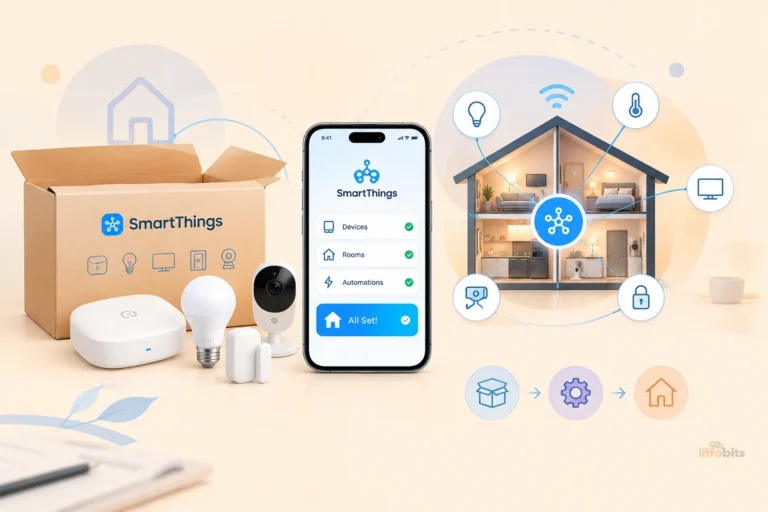
Related: SmartThings Setup Guide: From Unboxing to Your First Automation
Thread Border Routers: The Piece Everyone Forgets
Here’s the part that trips up a lot of first-time buyers: Thread devices can’t talk to the internet, or to your phone, on their own. They need a Thread border router, a device with a Thread radio that bridges the mesh network to your regular Wi-Fi network.
The good news is that you probably already own one. Border router functionality is quietly built into a lot of hardware people already have sitting in their living room:
| Ecosystem | Devices that work as Thread border routers |
|---|---|
| Apple | Apple TV 4K (2nd gen or newer), HomePod, HomePod mini |
| Nest Hub (2nd gen), Nest Hub Max, Nest Wifi Pro | |
| Amazon | Echo (4th gen), Echo Dot Max, Echo Hub, Echo Studio (2nd gen), Echo Show 8/11 |
| Samsung | SmartThings Station |
| Other | Aqara Hub M3/M200, Home Assistant Connect ZBT-1/ZBT-2, Eero (Thread-capable models) |
If you don’t already own one of these, adding a single border router. An Apple TV 4K or a compact Amazon Echo Dot Max is an inexpensive, popular entry point and is usually the fastest way to unlock Thread device support in an existing Alexa, Google, or Apple Home setup.
A few practical notes:
- You can have more than one border router, and for larger homes, you generally should. Two on different floors give your mesh redundancy. If one goes offline, Thread devices reroute automatically.
- Mixing brands can get messy. An Apple border router and a Google border router will each try to form their own separate Thread network rather than merging cleanly, which can cause devices to drop or fail to join. Sticking to border routers from one ecosystem (or letting Matter’s cross-vendor commissioning handle it deliberately) avoids most headaches.
- Not every “hub” has a Thread radio. Older smart home hubs and some smart speakers only support Wi-Fi-based Matter. Check the specific model, not just the brand name.
Related: Alexa Not Responding to Voice Commands? 15 Real Fixes
Matter vs Thread vs Zigbee vs Z-Wave: Where Do the Old Standards Fit?
If you already have a Zigbee or Z-Wave smart home, you don’t need to rip anything out. Here’s how the four commonly confused terms actually relate:
- Zigbee and Z-Wave are older, proprietary mesh networking protocols; direct predecessors to Thread. They still work fine, and Zigbee hardware in particular remains cheap and widely available.
- Thread is effectively Zigbee’s modern, IP-based successor, built with internet compatibility and Matter in mind from day one.
- Matter sits above all of them conceptually, and, via Matter bridges, can even expose some existing Zigbee and Z-Wave devices to Matter-based apps, without replacing your existing hub.
For most people building a smart home from scratch in 2026, Thread (for battery devices) plus Wi-Fi (for powered devices), unified under Matter, is the more future-proof starting point.
If you already have a working Zigbee setup, there’s rarely a strong reason to migrate hardware you’re happy with. Just make sure new purchases carry the Matter logo so they’ll fit in either way.
What’s New: Matter 1.5.1 and What It Means for You
The Matter specification is updated roughly twice a year, and the standard has matured a lot since its rocky 1.0 launch in 2022. As of this writing, Matter 1.5.1 (released March 2026) is the current version, building on the Matter 1.5 update from November 2025. The headline additions:
- Camera and video doorbell support – the most requested addition to date, using WebRTC for encrypted streaming, meaning security cameras can finally be genuinely cross-platform.
- Multi-stream video, added in 1.5.1, lets a single camera deliver a high-res stream for recording and a separate low-res stream for live viewing, cutting bandwidth use.
- An expanded Device Energy Management cluster, which turns smart plugs and appliances into active participants in home energy management. This is useful if your utility offers time-of-use pricing.
- New device types for closures and soil sensors, rounding out coverage for blinds, garage doors, and garden irrigation setups.
None of this requires you to do anything to existing devices. Updates roll out via firmware. But it’s worth knowing that “Matter” in 2026 covers meaningfully more device categories than it did even a year ago.
Common Mistakes to Avoid
- Assuming “Matter-compatible” means “Thread-compatible.” Read the box carefully. Some Matter devices are Wi-Fi only.
- Buying Thread sensors before you have a border router. Thread end devices genuinely cannot join a network that has no border router on it yet. The border router has to come first.
- Mixing border router brands without a plan. If you’re combining ecosystems, expect some initial network negotiation and possible instability.
- Forgetting that firmware matters. Some older “Matter-ready” devices need a manual firmware update before they’ll actually commission. Check the manufacturer’s app first if a device won’t pair.
- Placing Thread border routers in isolated spots. Like Wi-Fi, Thread’s range benefits from a central, elevated location rather than a closet or behind a TV console.
Related: Alexa Red Ring: What It Means and 9 Ways to Fix It
Myth vs Fact
Myth: “Matter and Thread are competing standards – I have to choose one.” Fact: They solve different problems at different layers. Most Matter setups use Thread for some devices and Wi-Fi for others, simultaneously.
Myth: “If I buy Matter devices, I don’t need Alexa, Google Home, or Apple Home anymore.” Fact: Matter devices still need a “controller” app to set up and manage them day-to-day. Matter just means that the same device can also be added to a second or third ecosystem without starting over.
Myth: “Thread devices work like Wi-Fi; more of them slows the network down.” Fact: The opposite is generally true. Because Thread is a mesh, adding more devices tends to strengthen coverage by creating more relay paths.
Myth: “I need to buy a dedicated Thread hub.” Fact: Many people already own a border router without realizing it. An Apple TV, HomePod mini, or newer Echo device likely already has the hardware built in.
Should You Build a Thread-Based Smart Home in 2026?
For most new smart home purchases, yes; with a bit of nuance:
- Starting from scratch? Look for the Matter logo on everything, and prioritize devices that specifically mention Thread for battery-powered sensors, locks, and switches. It’s the most future-proof combination available today.
- Already deep into Zigbee or Z-Wave? No need to replace working hardware. Add Matter/Thread selectively for new purchases, and use a Matter bridge if you want everything under one roof.
- Living in a larger home? Thread’s mesh, combined with two or more border routers, will generally outperform a single Wi-Fi router trying to reach every sensor directly.
- Renting or moving often? Thread devices are largely self-contained and battery-powered, making them easier to relocate than wired systems.
Setting Up Your First Matter/Thread Smart Home: A Simple Checklist
- Confirm you have a border router. Check whether your existing Apple TV, HomePod mini, Echo, or Nest device supports Thread (most models from the last few years do).
- Set up your primary app. Alexa, Google Home, Apple Home, or SmartThings. Pick whichever ecosystem you already use most.
- Add the border router device first, before purchasing any Thread sensors or locks.
- Buy Matter-certified devices, checking specifically whether each one uses Wi-Fi or Thread as its radio.
- Commission one device at a time, confirming each pairs and responds correctly before adding the next.
- Add a second border router if you have a larger home or notice devices dropping out on the far side of the house.
- Keep firmware updated across your border routers and end devices. Most reliability issues trace back to outdated firmware.
Expert Tips
- If you’re troubleshooting a Thread device that keeps “falling off” the network, check for multiple border routers from different brands fighting over the mesh before assuming the device itself is faulty.
- A dedicated hub like the Aqara Hub M3 (see on Amazon) is worth considering if you want a border router that isn’t also tied to a smart speaker or streaming box, since it can sit anywhere for better central placement.
- If your home network runs on a mesh Wi-Fi system already, check whether it doubles as a Thread border router before buying a separate one. Several modern mesh routers, including Thread-capable eero units (available on Amazon), include the radio built in.
- For anyone building a whole-home Alexa setup, an Amazon Echo Hub is worth a look. It’s both a wall-mounted smart home dashboard and a Thread border router with Power-over-Ethernet support, which gives it one of the more stable connections available.
Related: Mesh Network vs Router: Which Is Right for Your Home?
Conclusion
Matter and Thread aren’t rivals, and you don’t have to pick a side. Matter is the shared language that keeps your Alexa, Google Home, Apple Home, and SmartThings devices talking to each other without separate apps.
Thread is one of the efficient, reliable networks that carries that language for the small, battery-powered devices in your home ( sensors, locks, buttons), while Wi-Fi and Ethernet handle everything else.
The practical takeaway: check for the Matter logo when you buy, confirm you have a border router before buying Thread-only sensors, and don’t be afraid to mix ecosystems as long as you understand how border routers interact. Get those three things right, and the rest of your smart home genuinely does just work.
Frequently Asked Questions
What’s the difference between Matter and Thread?
Matter is a software standard that lets smart home devices work across brands and platforms. Thread is a wireless mesh network that Matter devices can use to communicate. Matter defines the “what”; Thread defines the “how.”
Do I need Thread to use Matter?
No. Matter devices can connect over Wi-Fi, Ethernet, or Thread. Thread is optional but commonly used for battery-powered devices like sensors and locks.
What is a Thread border router?
It’s a device with a Thread radio that connects your Thread mesh network to your home Wi-Fi and the internet. Without one, Thread devices can’t be controlled remotely or added to your smart home app.
Which devices work as Thread border routers?
Apple TV 4K, HomePod and HomePod mini, Google Nest Hub (2nd gen and Max), Nest Wifi Pro, Amazon Echo (4th gen and newer), Echo Dot Max, Echo Hub, SmartThings Station, and several dedicated hubs like the Aqara Hub M3.
Can I use more than one Thread border router?
Yes, and it’s recommended for larger homes. Multiple border routers improve reliability. If one goes offline, devices reroute automatically.
Is Thread the same as Zigbee?
They share the same underlying radio hardware (IEEE 802.15.4), but Thread is IP-based and was designed with internet and Matter compatibility built in from the start, while Zigbee is an older, proprietary protocol.
Does Matter replace Zigbee and Z-Wave?
Not directly. Existing Zigbee and Z-Wave devices can often be exposed to Matter apps through a Matter bridge, without needing to be replaced.
Will my old smart home devices still work with Matter?
Devices without Matter certification will continue working as they always have, through their original app. They just won’t gain the cross-platform benefits Matter provides unless the manufacturer adds Matter support via a firmware update.
What happens if I mix Apple and Google Thread border routers?
Each brand’s border router may try to establish its own separate Thread network rather than merging seamlessly, which can cause devices to drop or fail to join. It’s usually smoother to stick with one ecosystem’s border routers where possible.
Is Matter secure?
Yes; Matter uses device-specific certificates for pairing and, when combined with Thread, allows commands to stay on your local network rather than traveling through a manufacturer’s cloud server, which improves both speed and privacy.
What is Matter 1.5?
Matter 1.5, released in November 2025, added support for cameras and video doorbells, plus expanded energy management features. Matter 1.5.1 (March 2026) built on this with multi-stream video support.
Can Matter devices work without an internet connection?
Many can, particularly Matter-over-Thread devices, since commands are processed locally on your network rather than requiring a round trip to the cloud. Some remote-access features do still require internet connectivity.
Do all new smart home devices support Matter?
No; Matter adoption is widespread but not universal. Always check for the Matter logo or explicit “Works with Matter” labeling before buying if cross-platform compatibility matters to you.
Why do my Thread devices keep disconnecting?
The most common causes are having no border router (or only one, in a larger home), border routers from conflicting brands, or outdated firmware. Adding a second border router or updating firmware usually resolves it.
Is Thread better than Wi-Fi for smart home devices?
For low-power, battery-operated devices, yes. Thread uses far less energy and creates a self-healing mesh. For power-hungry devices like cameras or smart displays, Wi-Fi remains the more practical choice.
Can I add Matter devices to more than one smart home app at once?
Yes. This is one of Matter’s core features called “multi-admin.” A single Matter device can be controlled by Alexa, Google Home, and Apple Home simultaneously.
What’s the difference between a Thread border router and a Matter controller?
A Thread border router bridges the Thread radio network to your IP network. A Matter controller is the “brain” ( usually your Alexa, Google Home, or Apple Home app) that adds and commands Matter devices. Many devices, like the Apple TV 4K, do both jobs at once.
How many Thread devices can one border router support?
There’s no strict universal limit, but real-world testing has shown stable performance with networks of several hundred devices across multiple border routers, so most homes won’t come close to any practical ceiling.
Do smart cameras support Matter now?
Yes, as of Matter 1.5 (November 2025), camera and video doorbell support was added to the standard, using WebRTC for encrypted video streaming across platforms.
Should I wait to buy smart home devices until Matter is more “finished”?
Not necessarily. Matter has matured significantly since 2022 and is now on version 1.5.1, with strong support across Alexa, Google Home, Apple Home, and SmartThings. Buying Matter-certified devices today is a reasonably future-proof choice.
Did you find this guide useful? Share it with someone interested in smart home technologies. Follow us on Facebook and Twitter for more tips, tricks, and guides.
We also ask that you bookmark this page for future reference, as we are constantly updating our articles with new information.
Sign up for our free newsletter as well to receive fresh information immediately in your inbox and keep technically up to date.
Disclosure: If you follow our links to a retailer’s website and make a purchase, we will get an affiliate commission on some, but not all, of the items or services we promote. This will cause no price change for you.
You May Be Interested in Reading:
- Mesh System vs WiFi Extender: Which Is Better for Your Home?
- How to Secure IoT Devices on Your Home WiFi Network
- WiFi 6 vs WiFi 7: What’s the Real Difference and Should You Upgrade
- Best Routers With Built-In Malware Protection (Tested & Ranked)
- Latest Trends in Router Technology: Wi-Fi 7, AI, Mesh, and What’s Coming Next